TL;DR:
Prep and debrief your 1-on-1s
TL;DR:
The best managers already run good 1-on-1s. But they're not the problem.
If you run People at a 200-person company, your job isn't one manager. It's all of them. Engagement goes up when every team gets a steady, consistent 1-on-1 - not just the good ones.
So why doesn't that happen? It's not that managers don't care. They're busy. A consistent process is one more thing on a full plate, so it slips.
To fix it, you have to do two things:
- Make it dead simple to run - clear, fast, no extra work.
- Show managers what they get out of it, not just what HR wants.
That's what this skill is for. It makes a good 1-on-1 the easy path, and gives the manager something back every time.
What it does
Two things. One command each.
Prep. Type 'effy, prep for my 1-1 with [name]'. It reads your last 5 meetings with that person, pulls open action items and patterns, and builds an agenda with coaching questions and one feedback point.
Notes. Type 'effy, notes after my 1-1 with [name]'. It reads the transcript and writes clean notes - decisions, action items, feedback, and development signals.
How it works
This skill lives in Effy AI's skill library - a set of ready-made HR skills, refined with the HR community, that you can switch on for all your managers at once.
You and your managers just connect Effy AI to your AI, and it starts using Effy's skills. No reinventing the wheel.
When you need a skill, there's nothing extra to do. Just ask for what you want and mention "effy" - your AI pulls the right skill and instructions from Effy and runs it.
How to get started
Effy AI's skill library is free. You just connect it to your AI.
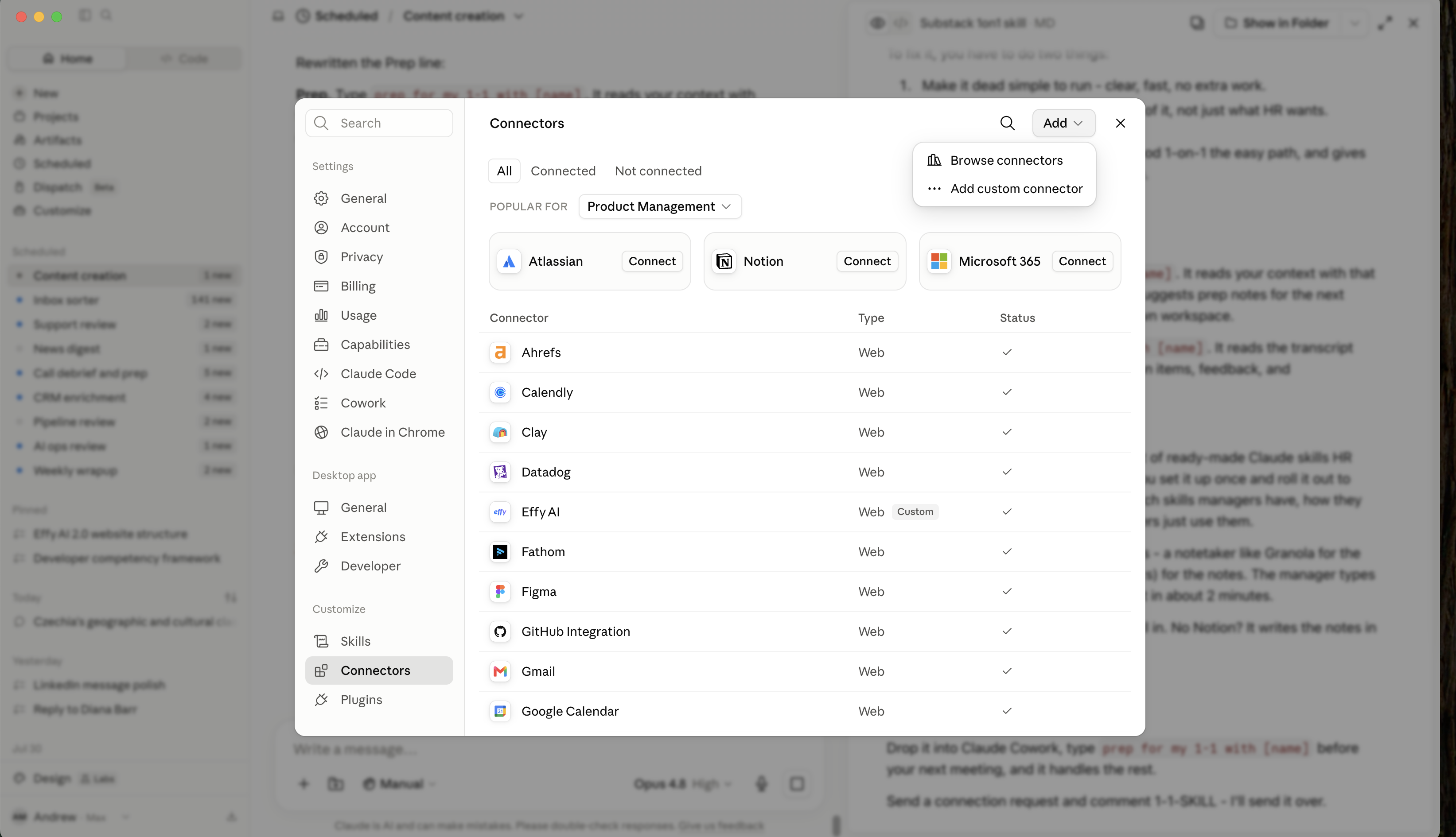
If you use Claude:Open Claude → Settings → Connectors → Add custom connector → paste the Effy connector link → Add, then sign in to authorize.
That's it. Next time, just ask for what you need and mention "effy."
Try Effy AI
Click. Try. Use.
Setup takes minutes
.svg)