HR Teammate in Slack:
your admin, off your plate
Your personal AI assistant in Slack for probation reminders, onboarding checklists, expiring contracts and the rest of your HR admin. It tracks the dates, drafts the messages and does the follow-up work, so you’re 2X more productive.
What it does for you
The recurring HR admin that lives in your calendar, inbox and spreadsheets.
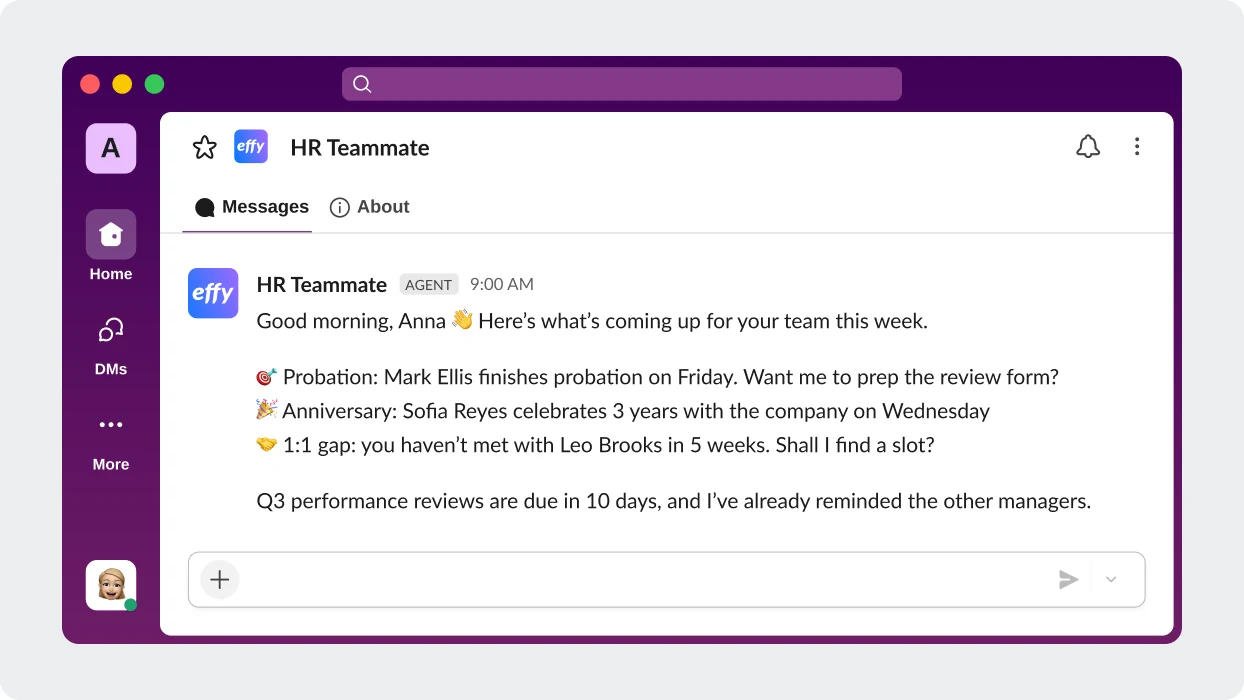
Your people calendar, on autopilot
Probation ends, anniversaries, 1:1 gaps and review deadlines come to you and the right manager on time
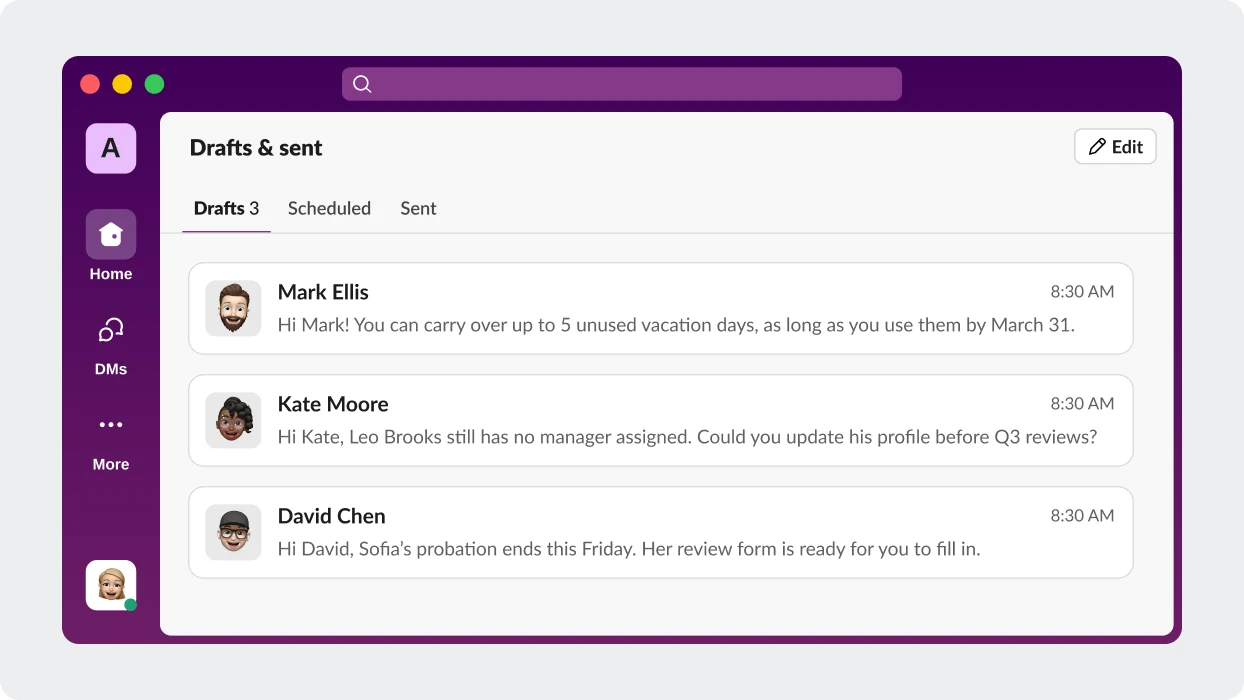
Drafts answers, you approve
When employees ask HR questions in Slack, your teammate drafts the reply from your policies, and you send it with one click
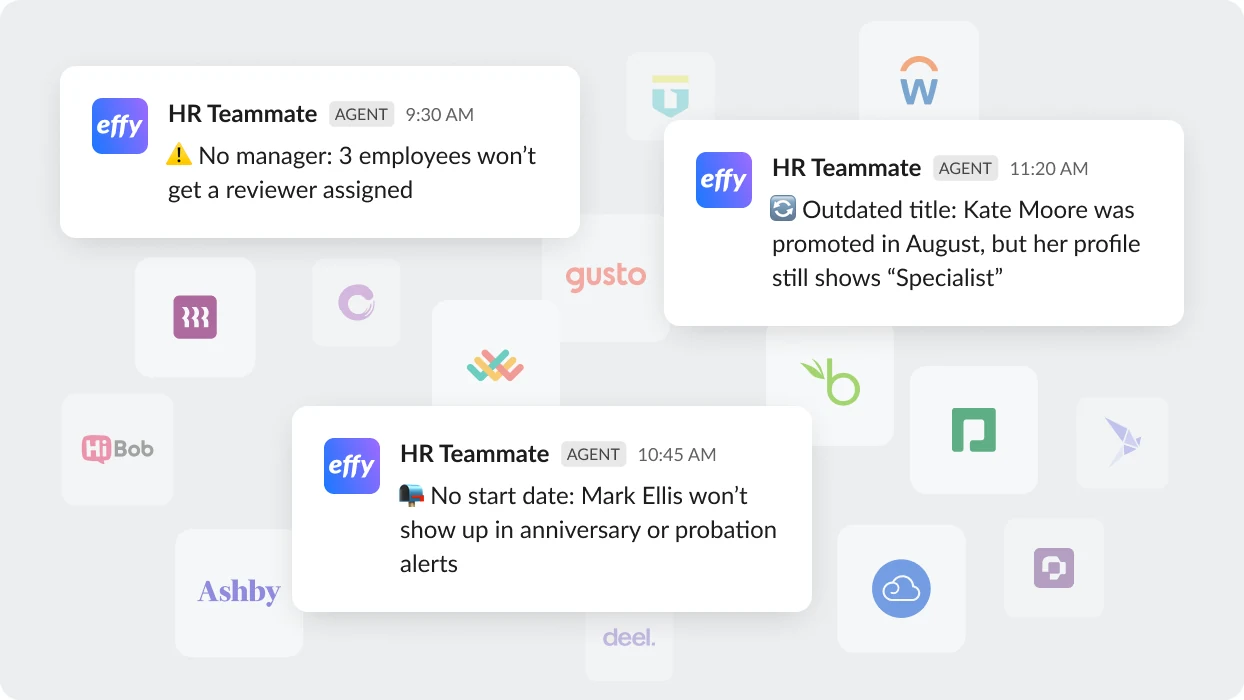
Flags wrong or missing data
Checks your HR systems and sends you a short list of what to fix: spots missing managers, start dates and job titles
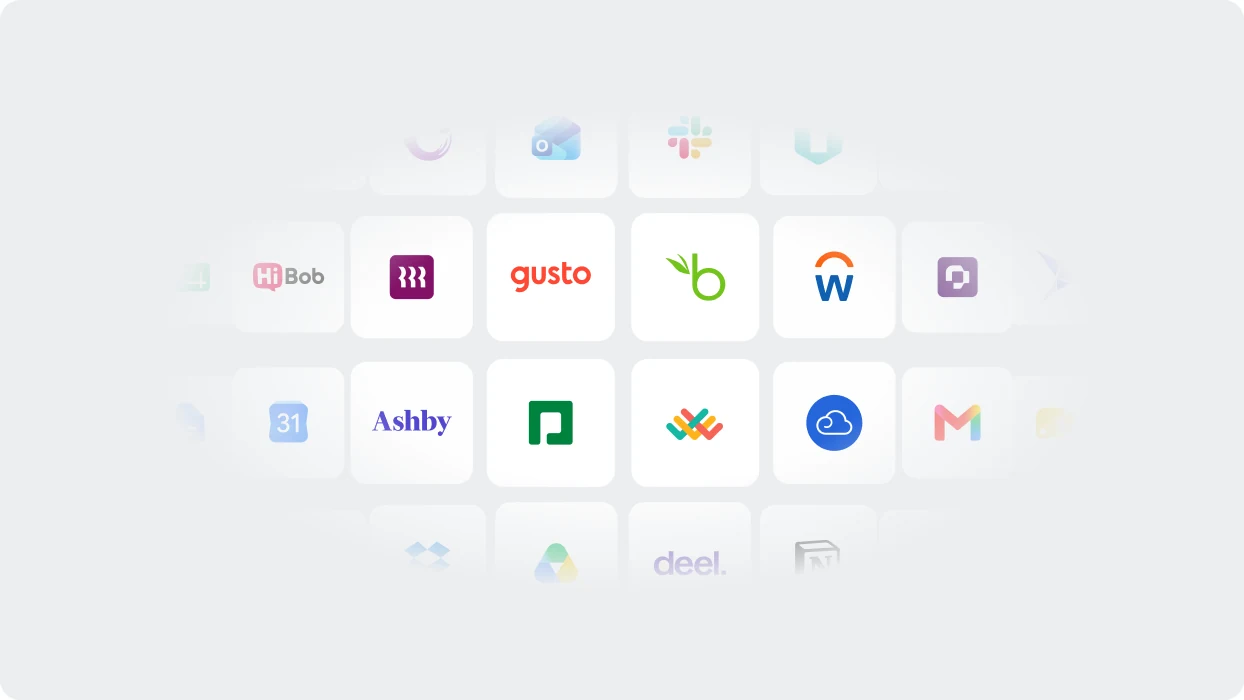
Works with your HR tools
Connects to BambooHR, HiBob, Paycore and other tools. Start dates, probation ends, managers and time off sync automatically, so every reminder runs on your real data. No HRIS? It builds your records from Slack and asks you for the rest.
Everything it can do in Slack
It prepares the work in Slack, you approve it, and it sends
It remembers your company
Your policies, past decisions and how you like things done. Explain once, and it keeps it.
Answers from your handbook
"How many vacation days carry over?" It drafts the reply from your policies, and you send it.
A person makes every decision
It prepares reminders, drafts and files. It never approves, rates or decides anything about an employee.
Private to you
It works in your account, with only the tools you connect. Colleagues see only the messages you approve.
Runs on a schedule
Set up recurring reminders and reports in plain words, or work that starts when a date comes up.
Works in Effy and Claude
Pick up the same work in go.effy.ai or Claude, with the same history.
How to add HR Teammate to Slack
Three steps. No IT project.

1. Join the waitlist
We'll email you an invite link
2. Add to your Slack
Approve access in one click
3. Hand over first task
Tell it what you’d like to delegate first
Your employee data is protected
Where your data lives, who can access it and how long it’s kept

AWS-hosted infrastructure
Enterprise-grade data centers with 99.9% uptime SLA. EU region available for data residency requirements.

GDPR compliant
Full GDPR compliance including data rights, consent management, and privacy by design. EU and global teams covered.

Data retention controls
Archive or export historical reviews and data on your schedule. Set deletion policies to stay compliant.
Frequently Asked Questions
Will people know a message came from HR Teammate?
TBD: the answer is not in the design yet.
How is it different from HR Team by Effy AI?
360 feedback software automates the collection of feedback from peers, managers, direct reports, and self-assessments — all in one place. It replaces manual spreadsheets with structured forms, automated reminders, and AI-generated reports so you can run review cycles in days, not weeks.
How long does it take to set up a 360 review in Effy AI?
Most teams launch their first review cycle in under 30 minutes. Choose a template or let AI generate your form, add your team, and send it out. No implementation, no onboarding calls — just start.
Can I customize the review questions?
Yes. You can build forms from scratch, use AI-generated templates by role, or customize any existing template. Mix rating scales with open-ended questions and group them by competency — like leadership, communication, or teamwork.